10 Best AI Tools for Students in 2026 (Study Smarter, Get Better Grades)
Let's be honest: being a student in 2026 is harder than it looks. The volume of readings, problem sets, essays, and group projects keeps growing, while…

Let’s be honest: being a student in 2026 is harder than it looks. The volume of readings, problem sets, essays, and group projects keeps growing, while the number of hours in a day stubbornly refuses to. The good news? AI tools have quietly become the most powerful study companions ever made — not to do your work for you, but to help you understand faster, organize better, and stop wasting hours on the boring parts of studying. Here are the ten best AI tools for students actually worth your time (and which ones are worth your money).
How we picked these tools
We focused on tools with generous free plans (because students are broke), real usefulness for actual coursework — not gimmicks — and a track record of sticking around. Every tool below is widely used by students in 2026, and we verified current pricing so you know exactly what “free” really means.
The 10 best AI tools for students in 2026
1. ChatGPT — the all-round AI tutor
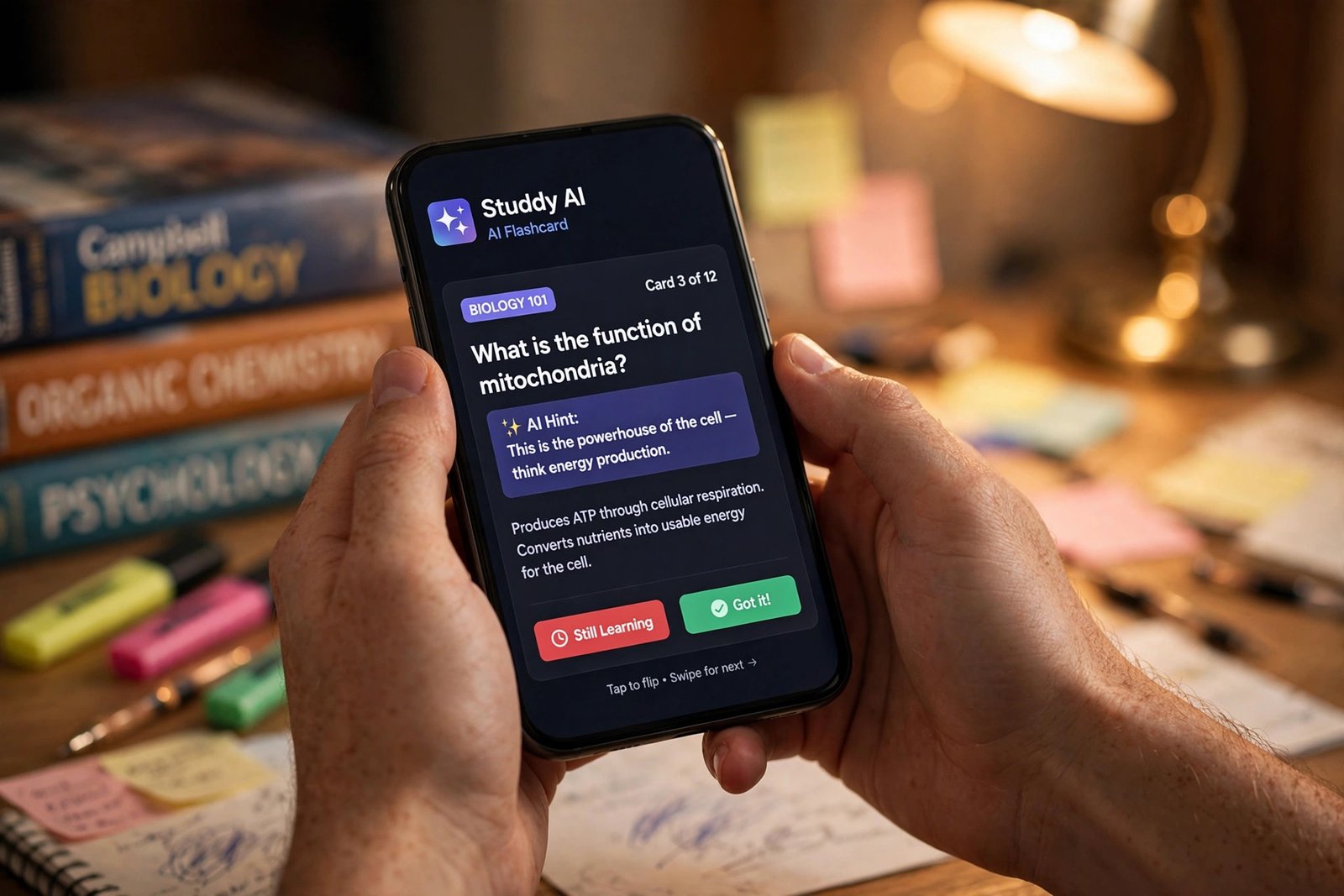
ChatGPT is the Swiss Army knife of AI study tools. Stuck on a calculus concept at midnight? It explains it step by step. Need to brainstorm essay angles, quiz yourself before an exam, or turn messy lecture notes into a clean summary? It handles all of it. The free tier is surprisingly capable for everyday studying, and the paid tier unlocks stronger reasoning for harder coursework.
- Explains difficult concepts in plain language, at any level you ask for
- Generates practice quizzes and flashcards from your own notes
- Summarizes long readings, PDFs, and lecture transcripts
- Voice mode lets you talk through problems like a real tutor session
Pricing: Free plan available. ChatGPT Plus is $20/month; there’s also a cheaper Go tier at $8/month.
Best for: Students who want one AI assistant for everything.
2. Claude — the deep thinker for essays and analysis
Claude has a well-earned reputation as the best AI for long, nuanced writing and careful reasoning. It shines when you’re working through dense readings, drafting structured essays, or debugging code with real explanations instead of cryptic one-liners. Many students find its answers feel more thoughtful and less generic than the competition.
- Excellent at long documents — upload readings and ask detailed questions
- Strong, natural writing help for essays and reports
- Projects feature keeps your course materials organized in one place
- Generous free tier for everyday use
Pricing: Free plan available. Claude Pro is $20/month (or $17/month billed annually).
Best for: Essay writing, literature analysis, and deep research help.
3. Notion AI — your second brain for notes and organization
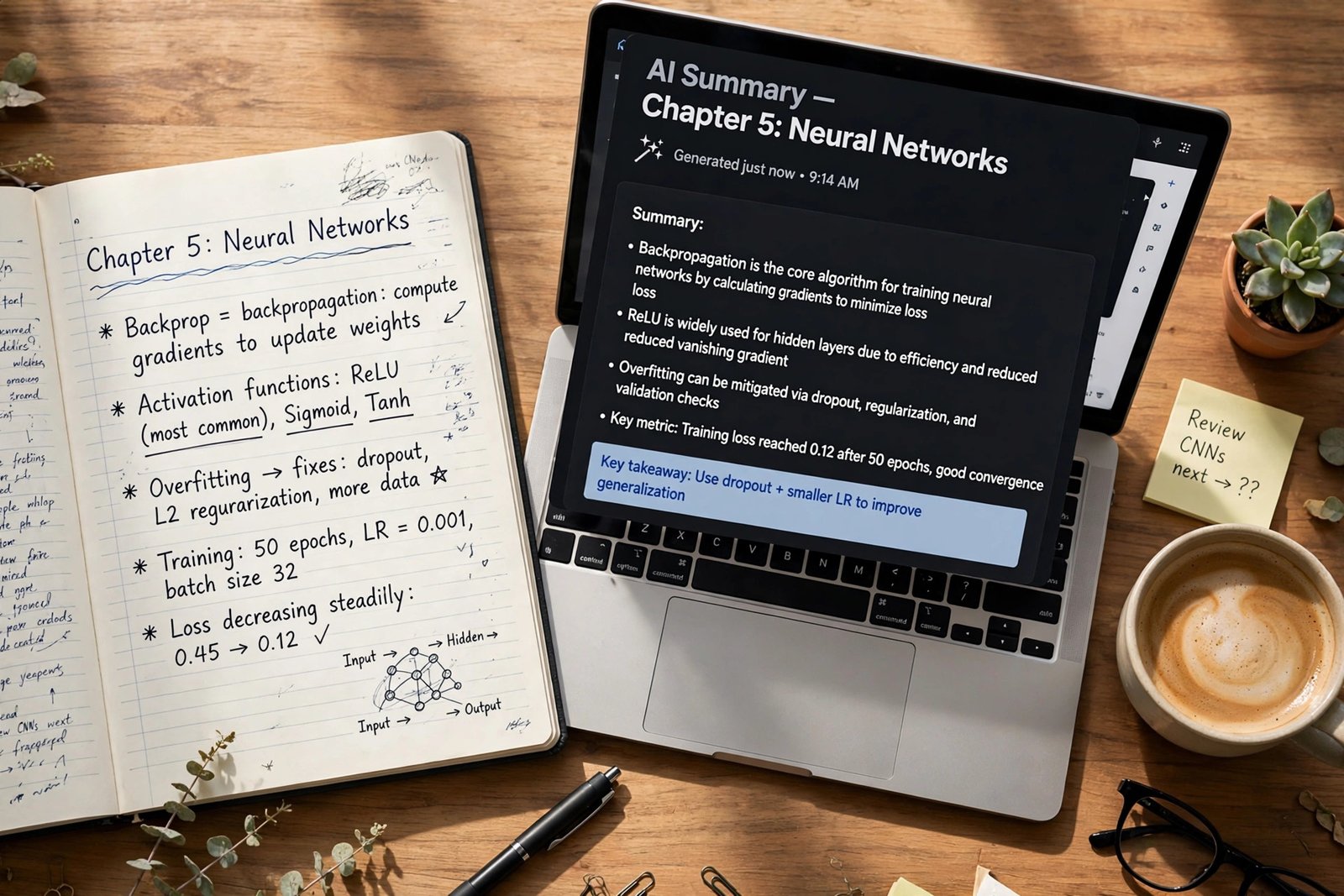
If your notes live in seventeen different apps and none of them talk to each other, Notion AI is the fix. It lives inside Notion’s workspace and can summarize your class notes, turn a messy brain-dump into a structured study guide, extract action items, and even answer questions using your own pages as the source. It’s less a chatbot and more an organizer that thinks.
- Summarizes and restructures notes inside your workspace
- AI Q&A searches across all your pages and databases
- Drafts study plans, outlines, and revision schedules
- Great templates for class notes, reading trackers, and assignment planners
Pricing: Free plan includes a limited AI trial. Full Notion AI requires the Business plan at $20/member/month billed annually ($24 month-to-month) — pricey for a solo student, so milk the free trial first.
Best for: Students who want notes, tasks, and study plans in one AI-powered workspace.
4. Grammarly — the writing polish you didn’t know you needed
Grammarly goes far beyond spell-check. It catches awkward phrasing, flags tone problems (“does this email to my professor sound rude?”), and tightens wordy sentences in essays, lab reports, and applications. It works everywhere you write — browser, Word, Google Docs — so your writing gets quietly better all semester.
- Grammar, spelling, and punctuation checks in real time
- Clarity and tone suggestions for essays and emails
- Plagiarism checker on paid plans (useful before submitting papers)
- Works across browser, desktop apps, and documents
Pricing: Free plan covers the basics. Grammarly Pro is $12/month billed annually ($30 month-to-month).
Best for: Anyone who writes essays, reports, or applications and wants them to read professionally.
5. QuillBot — paraphrasing and summarizing on a student budget
QuillBot is the paraphrasing specialist. Paste in a dense paragraph from a journal article and get it rewritten in clearer language, or condense a 20-page reading into key points before class. Its free tier is genuinely usable, which is why it’s a staple in student toolkits — just remember to cite sources properly and never submit paraphrased text as your own original work.
- 9 paraphrasing modes, from formal to creative
- Summarizer condenses long articles into key sentences
- Built-in grammar checker and citation generator
- Free plan handles short paraphrases without paying a cent
Pricing: Free plan available (125 words per paraphrase). QuillBot Premium is $8.33/month billed annually ($19.95 month-to-month).
Best for: Making dense academic readings understandable, fast.
6. Otter.ai — never miss a word in lectures again
Otter.ai transcribes lectures, seminars, and group meetings in real time, then generates summaries with action items. Instead of frantically scribbling notes while the professor speeds through slide 47, you can actually listen — then search the full transcript later for exactly what you need. It’s a lifesaver for fast talkers and 8 AM lectures alike.
- Real-time transcription for Zoom, Google Meet, and Teams
- AI-generated summaries and key takeaways after each session
- Searchable transcript archive — find any moment instantly
- Speaker identification keeps group discussions organized
Pricing: Free Basic plan includes 300 transcription minutes per month. Pro is $8.33/month billed annually ($16.99 month-to-month).
Best for: Lecture-heavy courses where missing one detail costs you on the exam.
7. Quizlet (Q-Chat) — AI flashcards that actually adapt
Quizlet has been the flashcard king for years, and its AI features made it smarter. Q-Chat acts like a study partner that quizzes you, adapts to what you’re getting wrong, and focuses your reps where they’re needed most. Spaced repetition is one of the most evidence-backed study methods there is — this just automates it.
- AI-generated flashcards from your notes or textbook chapters
- Q-Chat tutor adapts questions to your weak spots
- Learn mode uses spaced repetition for long-term retention
- Millions of shared study sets from other students
Pricing: Free plan covers basic flashcards and study modes. Quizlet Plus is $35.99/year (about $3/month), with an Unlimited tier at $44.99/year.
Best for: Memorizing vocabulary, formulas, anatomy terms — anything that needs drilling.
8. Wolfram Alpha — the math and science problem solver
Wolfram Alpha isn’t a chatbot guessing at math — it’s a computational engine that actually solves problems step by step. Plug in a calculus integral, a chemistry equation, or a statistics problem and get the full worked solution, not just the answer. It’s the difference between copying homework and understanding it.
- Step-by-step solutions for math, physics, chemistry, and statistics
- Graphing and visualization for functions and data
- Handles unit conversions, formulas, and scientific notation
- Free tier answers straightforward computational questions
Pricing: Free for basic answers. Wolfram Alpha Pro (Student) is about $7.99/month and unlocks step-by-step solutions.
Best for: STEM students who want to understand the method, not just the answer.
9. Elicit — the research assistant for papers and literature reviews
Writing a research paper? Elicit is built for exactly that. Ask a research question and it searches academic papers, summarizes findings, and extracts key data into a comparison table — work that used to take an entire weekend in the library. It’s honest about its sources too, so you can verify everything before citing it.
- Finds relevant academic papers from a plain-English question
- Summarizes key findings across multiple studies
- Builds comparison tables of methods and results automatically
- Shows sources so you can verify before citing
Pricing: Free plan available with monthly credits. Check current pricing for the Plus plan, as tiers have shifted over time.
Best for: Research papers, literature reviews, and senior theses.
10. Perplexity — research with real citations
Perplexity is what happens when a search engine and an AI tutor have a very smart baby. Ask anything and get a direct answer with clickable citations to real sources — perfect for starting research without falling down a 40-tab rabbit hole. It’s faster than traditional search for “explain this topic” questions and more trustworthy than a chatbot alone.
- Every answer includes cited sources you can actually open
- Pro search digs deeper with multiple reasoning steps
- Upload PDFs and ask questions about your readings
- Clean, ad-free answers without SEO spam
Pricing: Free plan available. Perplexity Pro is $20/month ($200/year); verified students can get Education Pro for $10/month.
Best for: Quick, cited research and understanding new topics fast.
Quick comparison: all 10 tools at a glance
| Tool | Best for | Free plan? | Starting price |
|---|---|---|---|
| ChatGPT | All-round AI tutoring | Yes | $8/mo (Go); Plus $20/mo |
| Claude | Essays & deep analysis | Yes | $20/mo ($17/mo annual) |
| Notion AI | Notes & organization | Limited trial | $20/mo (Business plan) |
| Grammarly | Writing polish | Yes | $12/mo annual |
| QuillBot | Paraphrasing & summarizing | Yes | $8.33/mo annual |
| Otter.ai | Lecture transcription | Yes (300 min/mo) | $8.33/mo annual |
| Quizlet | Flashcards & memorization | Yes | $35.99/year (~$3/mo) |
| Wolfram Alpha | Math & science problems | Yes (basic) | ~$7.99/mo (Student Pro) |
| Elicit | Academic research | Yes | Check current pricing |
| Perplexity | Cited quick research | Yes | $20/mo ($10/mo student) |
How to choose the right AI tools for students
1. Start with your biggest pain point. Drowning in readings? Get a summarizer like QuillBot or Perplexity. Can’t keep up in lectures? Otter.ai. Struggling to organize everything? Notion AI. One tool that solves your actual problem beats five you never open.
2. Exhaust the free plans first. Nearly every tool on this list has a genuinely useful free tier. Use it for two full weeks of real coursework before spending a dollar — you’ll quickly learn which ones earn a place in your routine.
3. Match the tool to the subject. Wolfram Alpha for STEM, Elicit for research-heavy humanities and sciences, Quizlet for memorization-heavy courses like languages or anatomy. General chatbots are great, but specialists win on their home turf.
4. Check your school’s AI policy before you pay. Some universities restrict certain tools or require disclosure. A quick check of your academic integrity guidelines now saves an awkward conversation later.
5. Use AI to learn, not to skip learning. The students who benefit most use AI as a tutor — asking “explain why” instead of “give me the answer.” If a tool is doing all the thinking, it’s hurting your grades long-term, not helping.
Frequently asked questions
Are AI tools cheating?
It depends entirely on how you use them — and on your school’s rules. Using AI to explain a concept, quiz yourself, organize notes, or polish your own writing is studying. Submitting AI-written work as your own is academic dishonesty at most institutions. When in doubt, ask your professor; many now have clear AI policies in their syllabi.
Which is the best completely free AI tool for students?
For all-round help, ChatGPT’s free tier and Claude’s free tier are both excellent starting points. For specific jobs, QuillBot’s free paraphraser, Quizlet’s free flashcards, and Otter.ai’s 300 free transcription minutes per month are all genuinely useful without paying. Most students can build a powerful free study stack from this list alone.
Can AI write my essays for me?
Technically yes, but you shouldn’t. AI-generated essays are increasingly detectable, most schools prohibit submitting them, and — more importantly — you learn nothing, which defeats the entire purpose of the assignment. A smarter approach: write the essay yourself, then use Claude or Grammarly to strengthen your arguments, fix structure, and polish the language. That’s legitimate, effective, and something you can defend.
Will professors know if I use AI?
Often, yes. AI detectors are imperfect but improving, and experienced professors can spot the generic phrasing and suspiciously even tone of AI-written work. Beyond detection, many assignments now include in-class components, oral defenses, or process drafts specifically designed to verify the work is yours. Use AI transparently and within the rules.
Do I need to pay for any of these tools?
Probably not, at least to start. Every tool on this list has a free tier that covers the core student use cases. Paid plans mainly buy you higher usage limits, faster models, and premium features like plagiarism checking or step-by-step math solutions. Try free for a few weeks; upgrade only the one tool you find yourself hitting limits on.
The bottom line
You don’t need all ten of these AI tools for students — nobody does. Pick two or three that match how you actually study: a tutor (ChatGPT or Claude), a specialist for your hardest subject (Wolfram Alpha, Elicit, or Quizlet), and a writing helper (Grammarly or QuillBot). Use them to understand more deeply, not to think less. Do that, and AI becomes what it should be for students: not a shortcut, but a genuine advantage. Study smarter — your future self will thank you.