Otter.ai vs Fireflies vs Fathom: Best AI Meeting Assistant in 2026?
Your calendar is full of meetings, and half of what was decided evaporates before you get back to your desk. Someone was supposed to follow up…

Your calendar is full of meetings, and half of what was decided evaporates before you get back to your desk. Someone was supposed to follow up on the pricing proposal — but who said what, exactly? An AI meeting assistant fixes this by joining your calls, transcribing everything, and turning conversation into summaries and action items you can actually use.
Three names dominate this space in 2026: Otter.ai, Fireflies.ai, and Fathom. All three record and transcribe meetings, but they differ sharply in free-plan generosity, platform support, and who they are really built for — which makes choosing harder than it looks.
I compared Otter.ai vs Fireflies vs Fathom on features, free plans, and pricing, so you can pick the right AI meeting assistant for the way you actually work.
Quick Comparison
| Feature | Otter.ai | Fireflies.ai | Fathom |
|---|---|---|---|
| Free plan | 300 min/month, 30 min per conversation | Unlimited transcription, limited team storage | Unlimited recordings and transcription |
| Entry paid price (annual) | From $8.33/user/month | From $10/seat/month | From $16/user/month |
| Meeting platforms | Zoom, Google Meet, Teams | Zoom, Meet, Teams, Webex | Primarily Zoom |
| AI summaries | Yes, with query limits on free | Yes, limited credits on free | Yes, limited per month on free |
| Integrations | Mainly via Zapier | 70+ native integrations | HubSpot and Salesforce on paid tiers |
| Best for | Live collaboration | Sales teams and CRMs | Best free plan |
Otter.ai vs Fireflies vs Fathom: Head-to-Head
Otter.ai — Best for Real-Time Collaboration
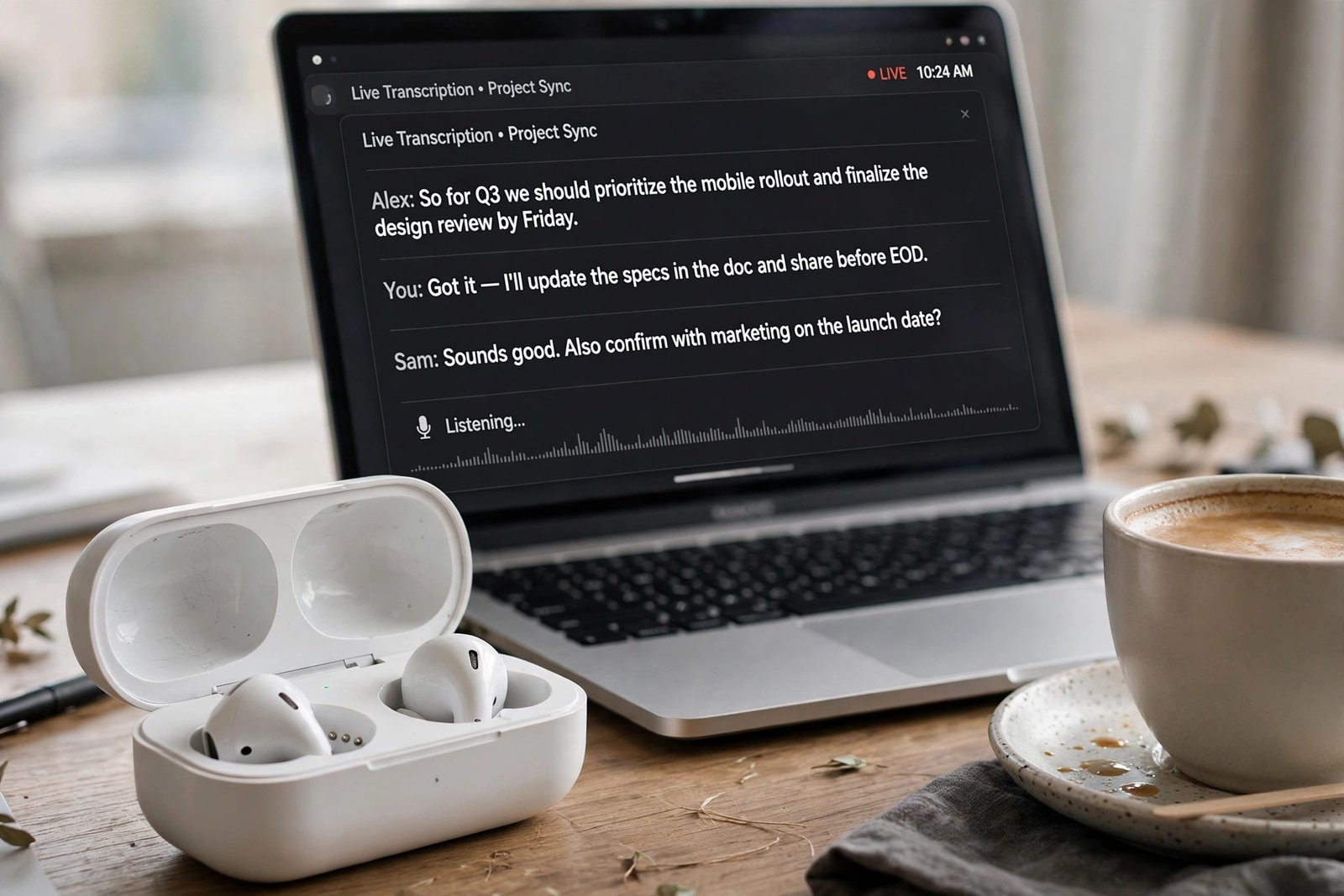
Otter.ai’s standout feature is live transcription: it captions the meeting as it happens while teammates highlight key moments and add comments in real time. Afterward, everything lands in a searchable archive, so finding “what did we decide about pricing in March?” takes seconds instead of a scroll through old notes.
The free plan’s 300 minutes per month sounds decent until you hit the 30-minute cap per conversation — and most real meetings run longer than that. Heavy users will need Pro, which at around $8.33 per user per month on annual billing is the cheapest paid tier of the three, though minute caps remain part of the deal.
Free plan: 300 transcription minutes per month, 30 minutes per conversation (as of 2026).
Best for: Teams that collaborate on notes live during calls.
Fireflies.ai — Best for Sales Teams and Integrations
Fireflies is the power user’s choice. It joins calls across Zoom, Google Meet, Teams, and Webex, then pushes transcripts, summaries, and action items into more than 70 native integrations — including Salesforce, HubSpot, and Slack. Topic trackers and conversation analytics make it a natural fit for sales workflows where every call feeds the pipeline.
The free plan offers unlimited transcription but caps storage at a few hundred minutes shared across the team, with limited AI credits. If your meetings feed a CRM, Fireflies’ native integrations save you the Zapier workarounds that other tools require — check the official pricing page for current limits, as they change.

Free plan: Unlimited transcription with limited team storage (as of 2026).
Best for: Sales teams and CRM-heavy workflows.
Fathom — Best Free Plan, Period
Fathom’s free plan is the most generous in the industry: unlimited recordings, unlimited transcription, and unlimited storage, with a handful of AI-generated summaries included each month. For individuals and small teams, many users genuinely never need to pay at all — which is exactly why it is so consistently top-rated on review sites.
The trade-off is scope. Fathom focuses primarily on Zoom and keeps its feature set tight around excellent transcription and summaries, rather than the sprawling integrations of Fireflies. Paid tiers add advanced AI features, team controls, and CRM sync for growing organizations.
Free plan: Unlimited recordings and transcription; limited AI summaries per month (as of 2026).
Best for: Individuals and small teams who want the best free option.
How to Choose the Right AI Meeting Assistant
- Count your meeting minutes first. Under five hours a month? Any free plan works. More than that, compare Otter’s minute caps against Fireflies’ storage caps and Fathom’s unlimited recording.
- Check your meeting platform. Zoom-only teams get the full Fathom experience; if you live across Meet, Teams, and Webex, Fireflies or Otter cover more ground.
- Follow the CRM. If call notes must land in Salesforce or HubSpot automatically, Fireflies’ native integrations beat everyone else’s workarounds.
- Trial two side by side. Transcription accuracy varies with accents, audio quality, and crosstalk. Run your top two contenders on the same two weeks of real meetings before committing.
Frequently Asked Questions
Which AI meeting assistant has the best free plan?
Fathom, by a clear margin — unlimited recordings, transcription, and storage on the free tier, with only AI summaries capped. Otter.ai limits you to 300 minutes a month with a 30-minute per-meeting cap, and Fireflies.ai limits team storage, though both are still useful for light use.
Do these tools work with Google Meet, Teams, and Zoom?
Fireflies and Otter.ai support Zoom, Google Meet, and Microsoft Teams (Fireflies adds Webex too). Fathom is primarily built around Zoom, so non-Zoom teams should verify current platform support on the official site before committing.
How accurate are AI meeting transcriptions?
In good conditions — clear audio, one speaker at a time — all three land in the 85 to 95 percent accuracy range. Accuracy drops with heavy accents, crosstalk, and background noise. Treat transcripts as excellent drafts that deserve a quick skim, not gospel.
Is it legal to record meetings with an AI notetaker?
It depends on your jurisdiction: some places require only one party’s consent, others require everyone’s. The safe practice is to announce the bot when it joins and get explicit agreement, especially with clients or in regulated industries. When in doubt, ask a lawyer, not a blog.
Can I really use these tools for free forever?
With Fathom, many individuals genuinely can — the free plan’s unlimited recording has no expiry. Otter.ai and Fireflies.ai free plans are better viewed as generous trials: fine for light use, but regular meeting loads will push you toward paid tiers.
Final Thoughts
There is no single winner — only the right fit. Choose Fathom if you want the best free plan and live on Zoom. Choose Otter.ai if your team collaborates on notes in real time. Choose Fireflies.ai if your meetings feed a CRM and you need integrations that just work.
Whichever you pick, the habit matters more than the tool: review the AI summary after every meeting and turn decisions into tasks the same day. For more head-to-head software breakdowns, explore our Reviews & Comparisons category.